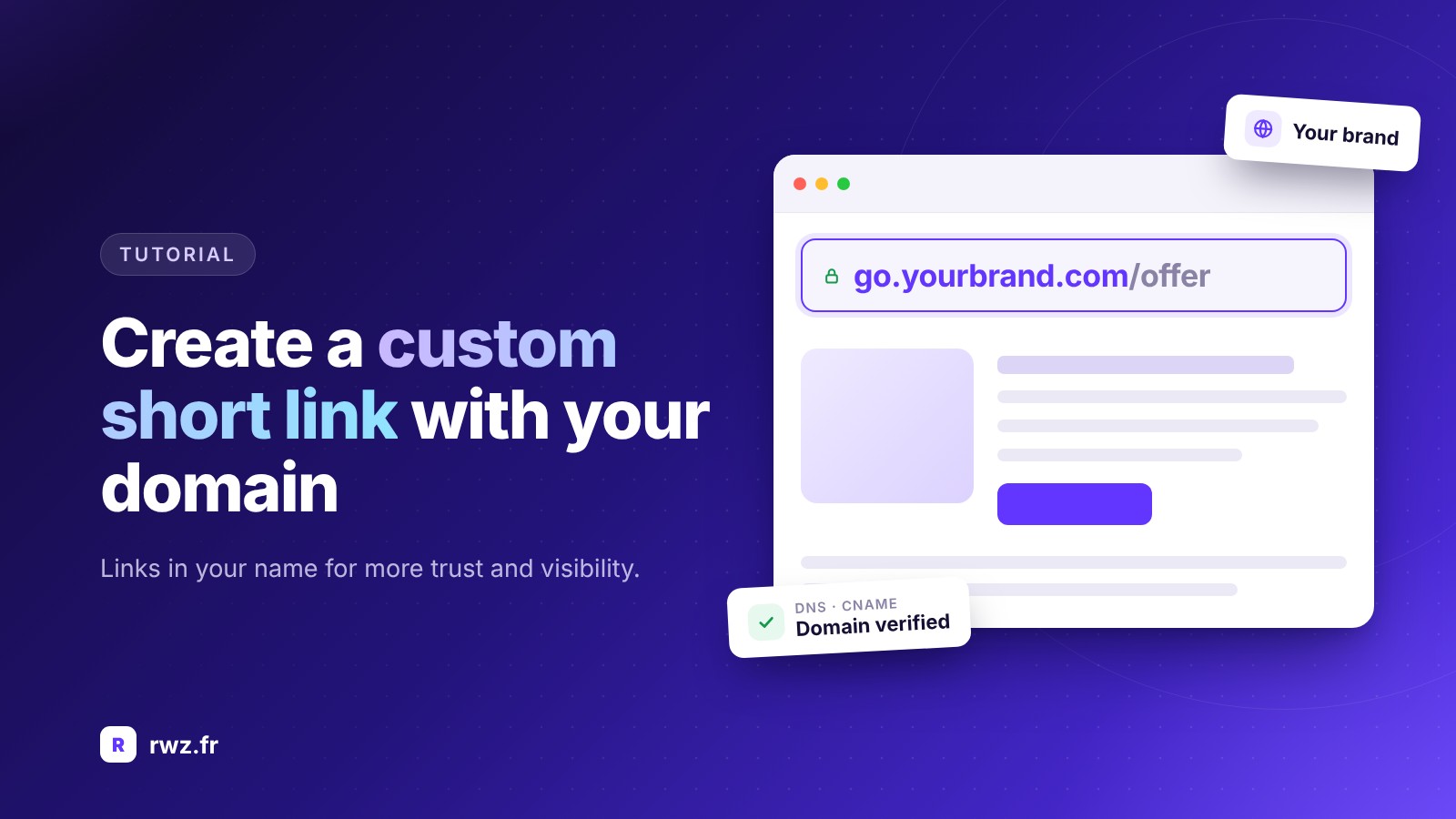
A link like rwz.fr/x7Kq9 gets the job done, but a link like yourbrand.com/offer does much better: it is memorable, reassuring, and carries your identity. That is the whole point of the custom short link. Here is how to create it, step by step.
What is a custom short link?
A custom short link (or branded link) is a shortened URL where you control at least one part: the alias (the end of the link), the domain (the beginning of the link), or both. Instead of a random string of characters, you get a clear address that describes its destination.
Why customize your links?
Step 1: Choose a good alias
The alias is the part after the slash. To make it effective:
Step 2: Create the link in your dashboard
Paste the destination URL, enter the desired alias, and validate. The link is active immediately. Remember to give it an internal name (for example, "October newsletter") so you can easily find it among your other links.
Step 3: Use your own domain name
To go further, link a domain to your account. The principle is simple:
- Choose a domain or subdomain dedicated to short links, for example go.yourbrand.com or link.yourbrand.com.
- Add it to your account in the domains section.
- Configure DNS records with your host or registrar (a CNAME or A record, depending on the instructions provided).
- Wait for propagation (from a few minutes to a few hours) and then verify the domain.
- Select this domain when creating your links.
A subdomain is generally the best choice: it avoids any interference with your main site and remains very simple to set up.
Mistakes to avoid
A few best practices
Adopt a naming convention from the start: for example /channel-topic (/insta-sale, /email-guide). This makes performance analysis and teamwork easier. Finally, associate each link with click tracking to measure the real impact of your customization.
Conclusion
Customizing your short links is one of the easiest ways to improve your brand perception and performance. A few minutes are all it takes to go from anonymous links to links that truly reflect you.
Your turn: Create your first custom link on RWZ and choose the alias that will make all the difference.